ATTENDEE ENGAGEMENT

Event Communication That Feels Timely, Personal, and Effortless

Great event experiences are built on clear, timely communication. Eventboost helps you engage attendees with automated messaging that keeps every interaction relevant, consistent, and aligned with the event journey.
From invitations and confirmations to reminders, updates, and post-event follow-ups, you can orchestrate every touchpoint from one platform — reducing manual effort while improving response, attendance, and engagement.
  • Automated communications across the full attendee journey
  • Personalized messaging based on profile and behaviour
  • Trigger-based campaigns that reduce manual workload
  • Consistent brand experience across every interaction
  • Better engagement with more scalable operations
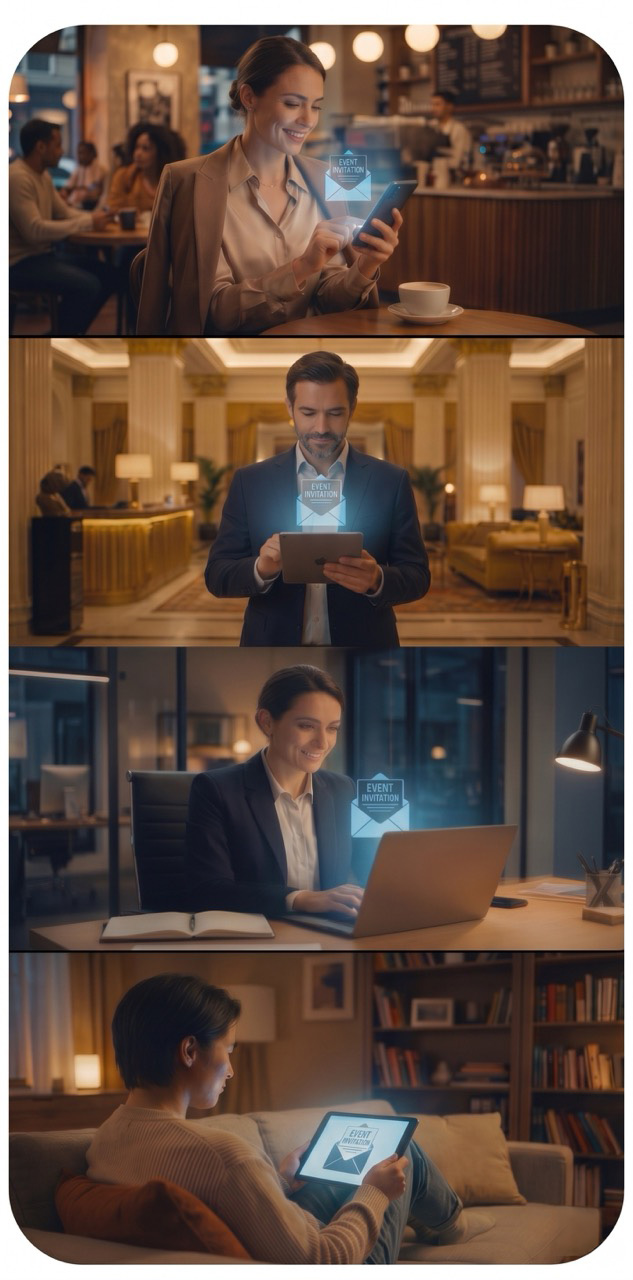
Eventboost event communication and email software

Use Case

Multi-session conference: automated, segmented sends by attendee category (speakers, sponsors, audience), with pre-event reminders and post-event follow-ups to gather feedback — no manual work for the team.

Association with recurring events: members receive on-brand, consistent updates at every stage of a roadshow or event series, keeping communication aligned without duplicating work for each edition.

Agency running events on behalf of clients: each client gets trackable, personalized communications to their own attendees, reducing the risk of errors on mass sends.

FAQ

Can communications be personalized based on the attendee's profile?

Yes, messages can vary based on attendee information and actions (e.g. registration category, sessions selected), so everyone receives relevant content.

Do automated communications work for multilingual events too?

Yes, you can set up communications that match the language configured for each attendee or group.

Can I schedule reminders at specific times before the event?

Yes, you can set up automations that send reminders and updates at the most useful points in the attendee journey, from sign-up to event day.

Does the system track opens and clicks on the communications sent?

Automated communications are designed to give visibility into how your sends are performing, helping you gauge engagement ahead of the event.

Is there a sending limit for email communications?

The number of emails available depends on the email credits included in your chosen plan (see the Pricing page for details on each plan).